Set a time to check in
Expect to be finished or home by a certain time? Set a timer and choose who can be notified if you don’t respond. Safety timers are in development.
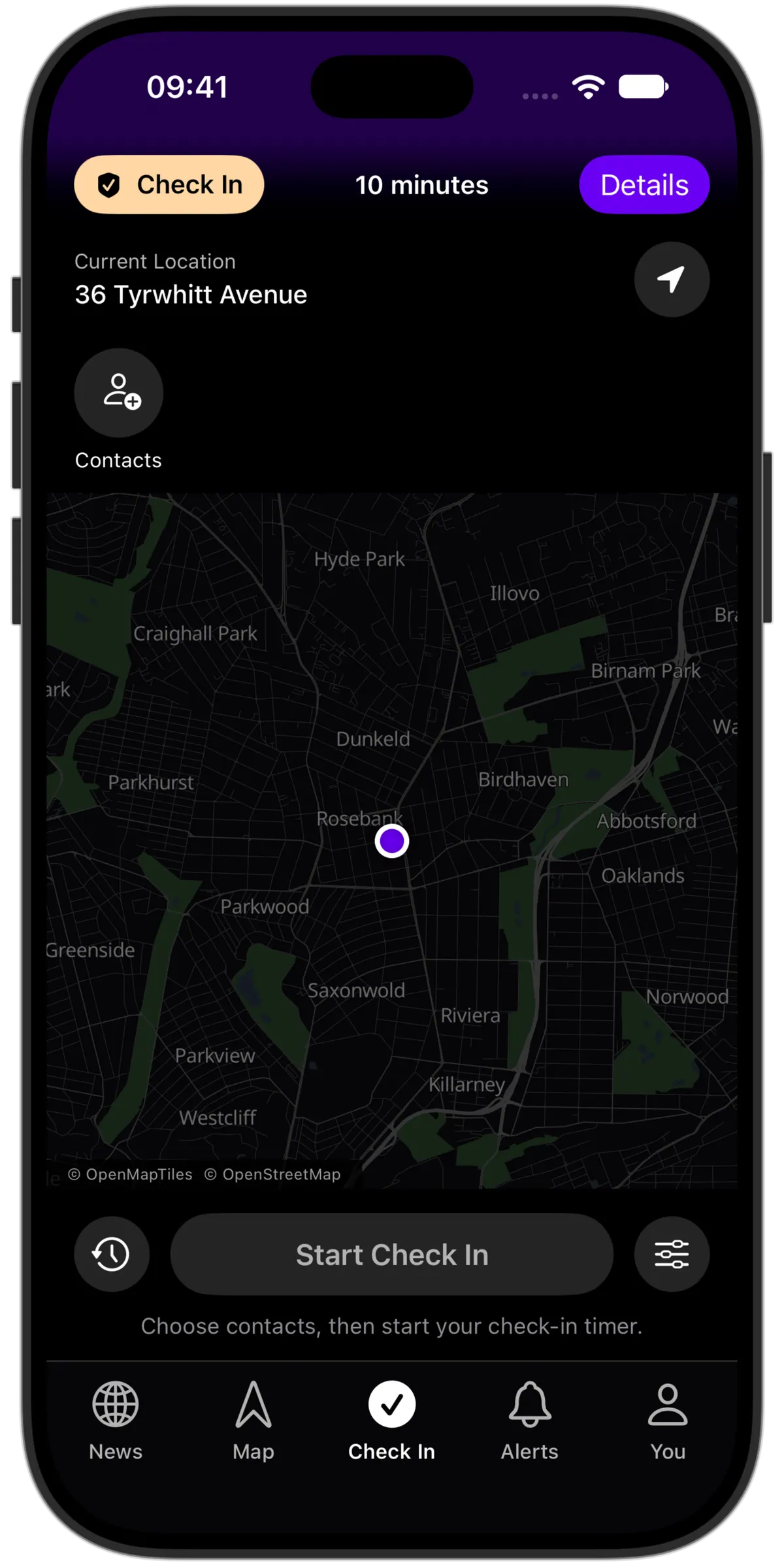
Choose the deadline and the people
Set a check-in time and selected trusted contacts. When the deadline arrives, you get a prompt and a response window before a missed check-in can notify those people.
Update it when plans change
Respond that you’re safe, extend the deadline or cancel the timer. A timer is a countdown with a check-in; it does not monitor a route or automatically detect that you arrived.
A missed response is not an SOS
Timer notifications do not automatically activate SOS or call emergency services. Delivery and a contact’s response depend on connectivity, permissions and availability.
Check your past timers
Review check-in history and your timer settings in the app. When plans change, use the timer controls to extend or end the current check-in instead of starting another one.