Follow an incident as it develops
The first report rarely tells the whole story. Lookout’s incident detail screen brings the published summary and update timeline together. Coming soon.
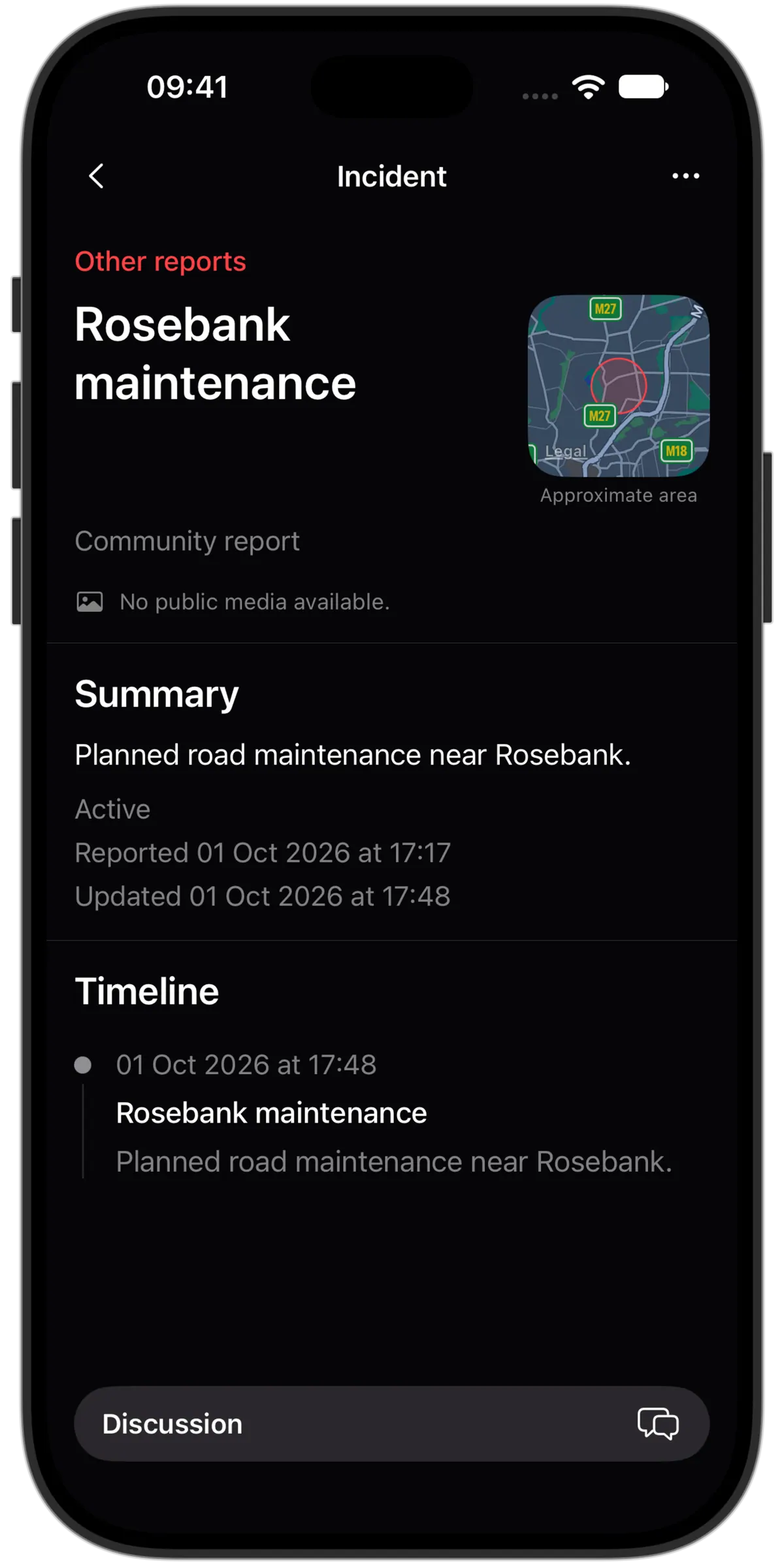
Open the details behind the map pin
See the incident’s category, approximate location, current status and published summary. Timestamps help you judge when the information was last updated.
Read the update timeline
Follow published changes as new information is reviewed. An update can add context or change the incident’s status; it is not a continuous live broadcast.
Keep uncertainty in view
Moderation controls what is published. It does not independently verify every detail or guarantee immediate updates. Community discussion is separate from the published incident timeline.
Keep the useful ones within reach
- Save privately
- Keep an incident in your saved list. Saving does not automatically follow it or turn on notifications.
- Follow or mute
- Follow an incident or mute its discussion when you want less activity. Notification preferences remain a separate choice.
- Share the link
- Copy or share a link to published incident information. It does not include your private location or the reporter’s original submission.