Add useful context to an incident
Someone nearby may know a detail that helps. Incident discussions are being built for useful local context around a published incident.
Keep the conversation attached to the event
Read comments and one-level replies from the incident detail screen. Discussion provides community context; it does not replace the published summary or update timeline.
Screened when posted. Reviewed afterwards.
Comments are screened before they appear, then queued for moderation review. They may later be changed or removed. Links, contact exchange, sales and meeting arrangements are kept out of the discussion.
Contribute without exposing someone
Share relevant observations rather than accusations, identifying details or speculation. A reviewed comment is not an independently verified fact. Public discussions have not launched.
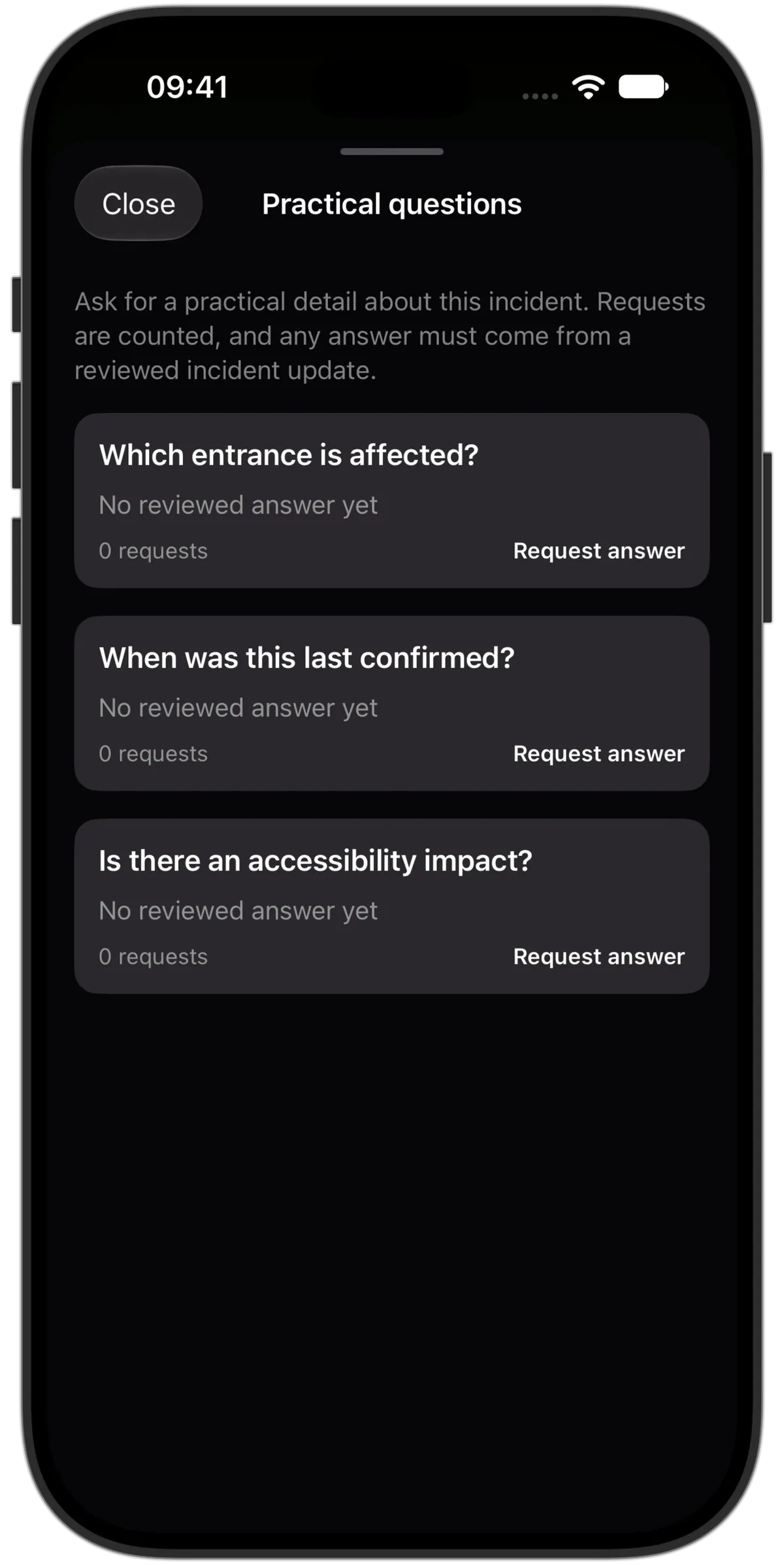
Ask for a practical detail
Request an answer to three useful questions: which entrance is affected, when the information was last confirmed, and whether there is an accessibility impact. Requests are counted without publishing who asked. Answers come from a reviewed incident update.
Manage comments and mentions
- Helpful votes
- Mark useful comments helpful. A vote is not a verification badge or proof that a detail is correct.
- Edit with review
- Propose a change to your own comment and follow the decision. Its approved text stays visible while the edit is reviewed.
- Appeal a removal
- Give a reason to appeal the removal of your own comment and check its status. The comment stays hidden while the decision is pending.
- Report a concern privately
- Choose a reason to report a published comment and receive a submission receipt. Reporting does not automatically hide it.
- Mute, block or remove
- Mute someone to hide their comments for you, or block them to also prevent replies between you. You can remove your own comment.
- Mentions on your terms
- Choose whether to allow eligible people to mention you and, separately, whether to receive mention notices.
- Submission status
- Review a saved comment’s submission status and retry the same saved submission after a connection problem.