Find the incident you’re looking for
A map is useful for browsing. Search helps when you have a specific place, event or time in mind. Incident search is being built into Lookout.
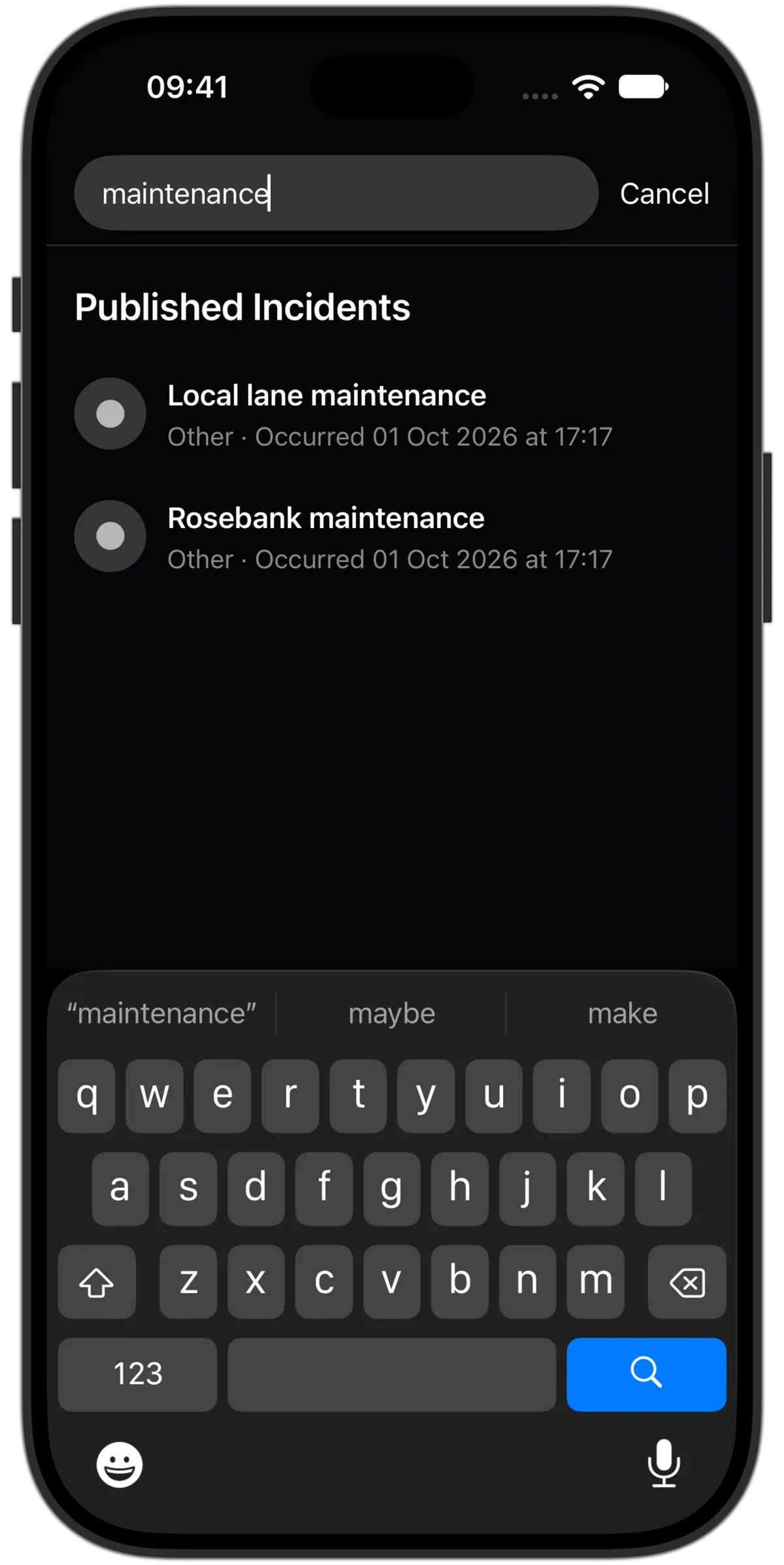
Find a report from the map
The map search accepts words and opens results directly into their incident details. Broader search by area, category, status and date is also in development; those filters are not all present in the search screen shown here.
Look up a place before visiting
Search reported activity around a destination before you arrive. Results reflect the information published in Lookout, so an empty search does not mean nothing happened there.
Public information, with boundaries
Search uses reviewed public incident information and approximate locations. It does not expose the reporter’s private submission or your trusted contacts’ shared locations.
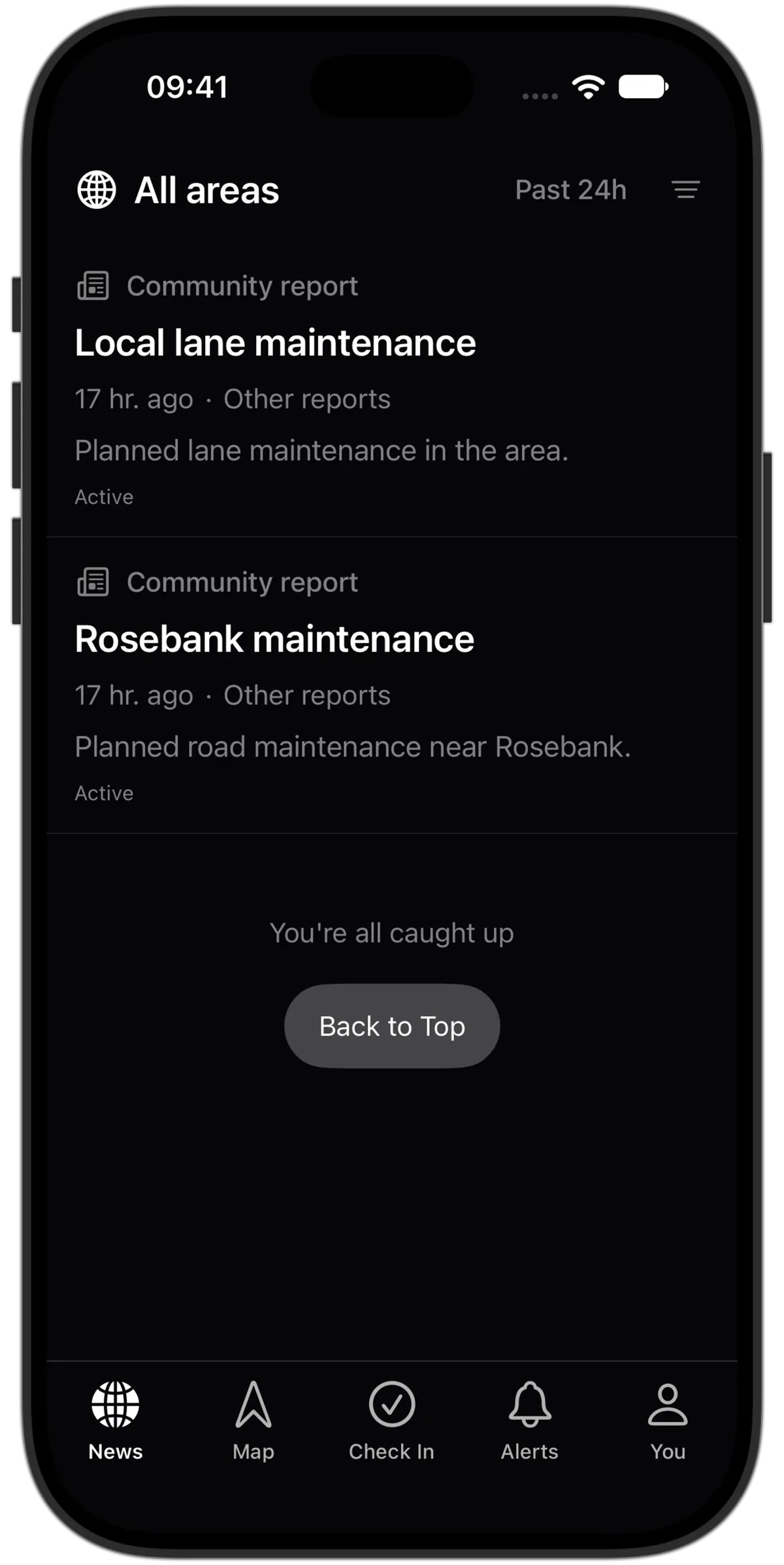
Browse the feed with filters
Prefer to scan recent reports? The incident feed includes category and time filters, so you can narrow the list before opening a report.
Return to something you opened
The map search keeps recently viewed incidents within reach. Open a result directly into its details and update timeline.