See incident context along a route
Before setting off, understand what has been reported along the way. Route awareness is in development as a way to add local context to your journey.
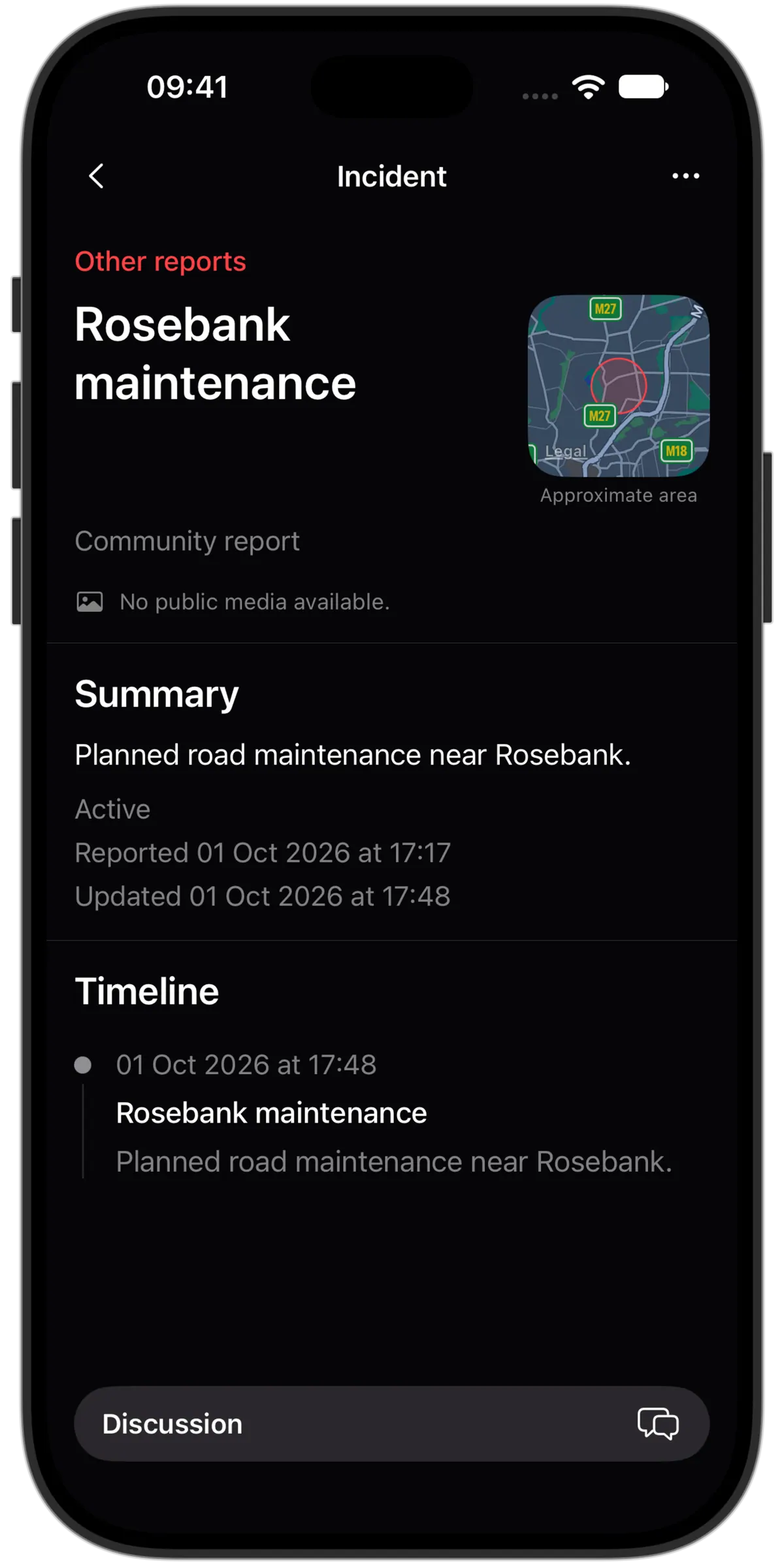
Review activity around your route
Look at published incidents within a chosen distance of a route over the past 7, 30 or 90 days. Broad counts describe reported activity, rather than ranking routes as safe or dangerous.
Check relevant disruptions
A route briefing can surface published vehicle, fire and hazard reports relevant to your planned departure. Source information and update times help you assess how current a report is.
Context for your decision
Lookout’s route analysis does not provide turn-by-turn navigation or guarantee a safe journey. It analyses the route you provide without saving that route as a travel history. Coverage may be incomplete and the feature has not publicly launched.