Ask your trusted contacts for help
When you need someone involved, private SOS is being built to alert selected trusted contacts and let them acknowledge the request.
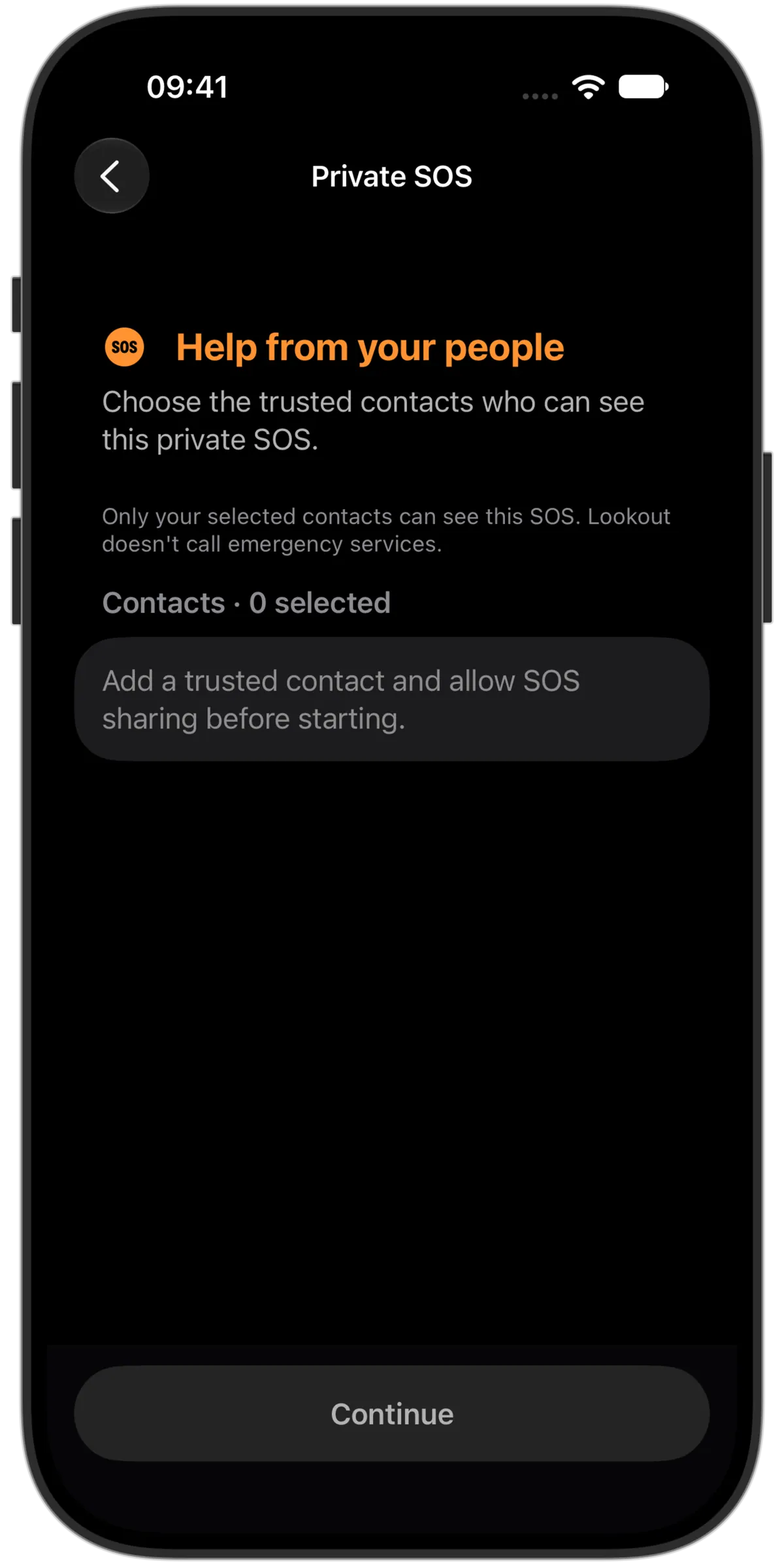
An alert for the people you choose
SOS is private to eligible selected contacts. It does not create a public incident or broadcast your request to strangers on the neighbourhood map.
See whether someone acknowledges it
Contacts can acknowledge an alert and coordinate around the request. Creating an SOS does not mean a notification was delivered, read or answered.
Know the status and keep control
- Cancel before sending
- The countdown gives you a chance to cancel before the private alert is sent.
- Temporary SOS access
- Choose a one-hour private SOS access window for a contact, even when ordinary location sharing is off.
- Viewed or responding
- Check each contact’s recorded acknowledgement. They can mark the request viewed or say they’re responding; this does not confirm that help has arrived.
- End the alert
- Report that you’re safe or cancel the SOS with confirmation. Ending it removes the contacts’ SOS access; cancellation alone does not confirm your safety.
- SOS activity
- Reopen your SOS records to see their status, times and contact responses.
Contact emergency services directly for urgent help
Lookout does not dispatch police, medical services, security companies or professional monitoring. Do not wait for an app response when you need urgent help. SOS is in development and has not publicly launched.